
For years, LinkedIn’s Social Selling Index (SSI) was one of the easiest LinkedIn metrics to track. It gave you a free score in four areas: establishing your professional brand, finding the right people, engaging with insights, and building relationships.
That changed in September 2026, when LinkedIn® began ending free access to SSI. Now you can only see your score with a Sales Navigator subscription.
Here’s the good news. You don’t need a score to know whether LinkedIn® is working for you. An activity score can show how busy you’ve been. But what you really want to know is whether your efforts are leading to conversations, relationships, and opportunities.
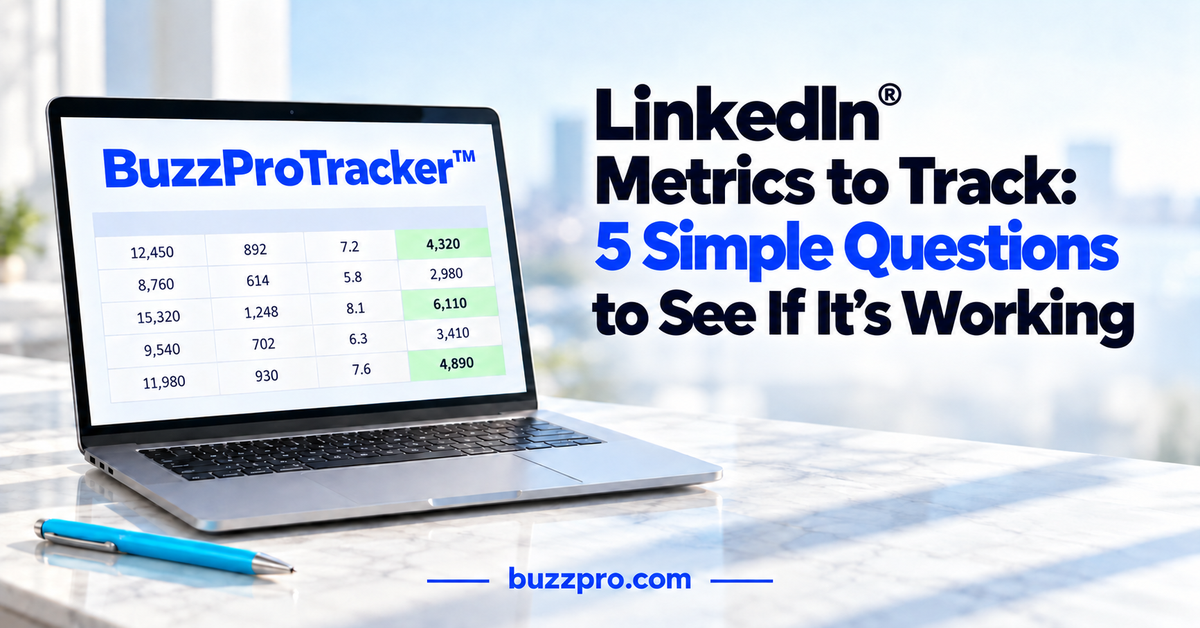
That’s why I created the BuzzProTracker™. It’s built around five simple questions and a simple spreadsheet. Take a few minutes each day to record your numbers, then review your progress once a week. There’s no score to calculate, and it works whether you’re growing a business or looking for your next job. You can get the BuzzProTracker™ free at BuzzProTips.com.
1. Are You Being Found?
Before anything else can happen, the right people need to find you. Your LinkedIn® profile shows who you are, what you do, and how you can help. This first question tells you whether your brand is getting noticed, and whether you’re connecting with the people who matter most to you.
Start with three numbers: profile views, search appearances, and post impressions. You’ll find them in the Analytics section of your profile. To see a post’s impressions, open the post and check its analytics.
Keep in mind that free accounts show only limited details about who viewed your profile. And an impression just means LinkedIn® showed your post to someone. It doesn’t mean they read it.
Next, count your relevant new connections each week. These are people who fit your goals, such as prospective clients, referral partners, recruiters, and hiring managers. LinkedIn® search makes them easy to find.
If your numbers are low, strengthen your Branding Headline and keywords, make it clear how you can help, post regularly, and keep connecting with the right people. In your BuzzProTracker™ (it’s free at BuzzProTips.com), record your profile views, search appearances, post impressions, and relevant new connections.
2. Is Your Network Engaging?
Getting noticed is a good start. Engagement shows you whether your content is giving people a reason to respond.
When you open a post’s analytics, you’ll see comments, reactions, reposts, saves, and sends, where LinkedIn® makes them available. Comments usually tell you the most, because someone took the time to share a thought.
Engagement goes both ways, too. Pay attention to how you’re showing up on other people’s posts. A thoughtful comment, or a reply that keeps a conversation going, helps people get to know you.
As you look at your numbers, notice who is engaging. Some may be people discovering you for the first time. One good exchange with a prospective client or hiring manager can matter more than a dozen reactions.
Each week, add your meaningful comments to your BuzzProTracker™, both the ones you receive and the ones you make. When those numbers are low, the fix is usually simple: share useful information, leave helpful comments on other people’s posts, reply to comments on yours, and ask a relevant question when it fits.
3. Are Inquiries Coming In?
When someone reaches out on their own about your services, your expertise, or a career opportunity, that’s a good sign. It means your LinkedIn® presence is creating interest, and the right people understand how you can help.
Inquiries can show up in a lot of places. Check LinkedIn® Messaging, including your message requests, along with your email, your website, and your phone.
If you own a business, an inquiry might be a prospect asking about your services or how you can help. If you’re networking, it might be a potential referral partner who wants to connect, or someone asking for an introduction. And if you’re looking for a job, it might be a recruiter or hiring manager contacting you about a position.
If you’re not sure where an inquiry came from, just ask the person how they found you. It’s an easy question, and the answer shows you what’s working.
Jot down each relevant inquiry in your BuzzProTracker™, along with a short note about what the person needed. And if inquiries are slow to come in, take another look at your profile. Make sure it clearly explains who you help, how you help, and how to reach you.
4. Are You Having Conversations?
An inquiry opens the door. A conversation gives you the chance to learn about someone’s needs, share how you can help, and start building a relationship.
I often say, “Nothing happens until you have a conversation with someone.” And my advice is simple: “Move your online conversations offline.” Pick up the phone, schedule a call, or meet face to face.
I’ve been doing this myself for more than 15 years. Each week, I have about 10 one-on-one calls with people I’ve connected with on LinkedIn®. Most last just 15 minutes. That’s plenty of time to get to know someone, learn what they’re working on, and see how I might be able to help.
Count the conversations you’re having, including discovery calls, networking conversations, recruiter calls, and interviews. Be sure to include the ones you start yourself. Your messages and calendar make this easy to track. Record your first conversations and follow-ups in your BuzzProTracker™, along with a brief note about the next step.
Follow-up counts too. Are you staying in touch, sharing helpful information, making introductions, and learning more about each other? That’s how a first conversation grows into a real relationship.
This is also where the “10” in my 25, 15 & 10 Social Selling Strategy comes in: calling 10+ new connections each week. I’ll share the full strategy a little later.
Not having as many conversations as you’d like? Reach out to a few new connections and invite them to a quick call.
5. Are You Creating Opportunities?
Every question so far leads here. Over time, your LinkedIn® efforts should create opportunities that move you closer to your goals.
If you own a business, that might be a proposal or a new client. If you’re networking, it might be a referral, a partnership, or an introduction to someone you’ve wanted to meet. And if you’re looking for a job, it might be a next-round interview or a job offer.
When an opportunity comes along, make a note of where it started. Was it a LinkedIn® connection, a post, an inquiry, or a conversation? Over time, you’ll see which efforts lead to real results. Record each new opportunity in your BuzzProTracker™, along with the type and the next step. You can keep more details in your contact manager or job-search log.
Be patient. Opportunities take time, so don’t expect new ones every week. Look at them over several months.
If progress is slow, look back at the first four questions. They’ll usually show you where to focus. This is the kind of information an SSI score alone could never give you.
Using the BuzzProTracker™
The BuzzProTracker™ makes all of this easy. At the end of each workday, take 2 to 3 minutes to record your numbers. Then, on Friday, add your LinkedIn® profile numbers and review your progress. Your weekly totals add up automatically next to your goals, so you can see at a glance where you’re on track. At the end of the month, the Monthly Summary pulls all your weeks together, so you can see your totals and how many weeks you reached each goal. Conversations and opportunities can take several weeks to develop, so look for the trend over time.
There’s no universal “good” number, so compare yourself to yourself. Pick the one area that needs the most attention, and write down what you’ll do next.
To keep your numbers moving, pair the BuzzProTracker™ with my 25, 15 & 10 Social Selling Strategy. Each week, send 25+ targeted connection requests, connect with 15+ new people, and call 10+ new connections. That works out to about 5 requests, 3 new connections, and 2 calls each workday. When I follow it, I make 60+ new contacts and have 40+ conversations a month.
Your 25, 15 & 10 is what you do each week. The BuzzProTracker™ shows you what you get.
Start Your First Weekly Check-In
You don’t need a score to know whether LinkedIn® is working for you. Five simple questions will tell you: Are you being found? Is your network engaging? Are inquiries coming in? Are you having conversations? And are you creating opportunities?
I’d love to connect with you on LinkedIn®! Just send me a connection request at ConnectWithTerry.com and let me know which question you’re focusing on first. I’d really like to hear what you’re working on.
And be sure to grab your free BuzzProTracker™ and BuzzProTracker™ Guide at BuzzProTips.com. When you sign up, you’ll also get my free guide, “12 Simple Strategies to Supercharge Your LinkedIn® Brand,” and BuzzPro® Tips in your inbox every week. Let’s get connected!

